
Delete Outlook Events from Your Excel Sheet
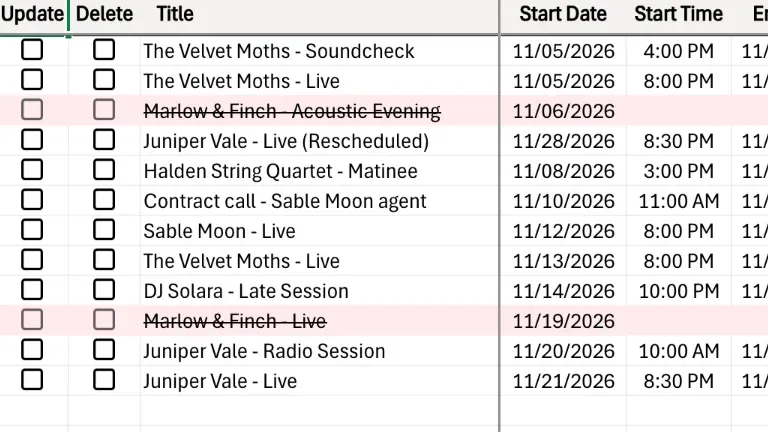
To delete Outlook events from Excel, tick Delete on their rows and export with Excelendar: the events are removed from Outlook in one go. Each row keeps its title, struck through, and its date, so the sheet still records what was cancelled.
This guide cancels two gigs without leaving the spreadsheet.
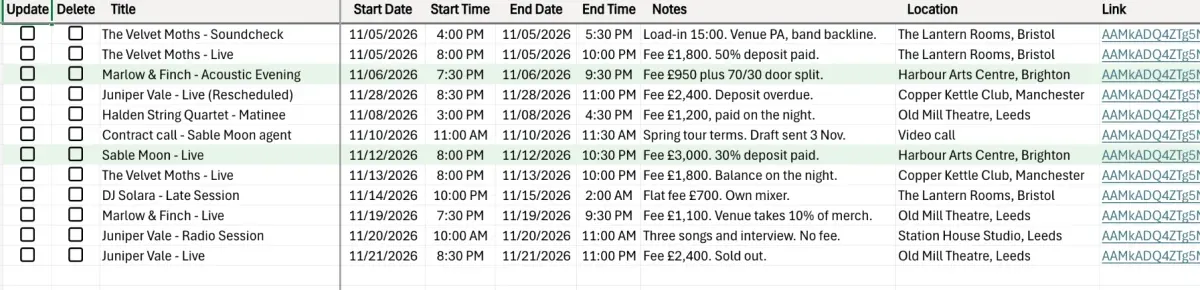
1. Find the rows to remove
Marlow & Finch have pulled out, so both of their gigs need to go.
2. Tick Delete
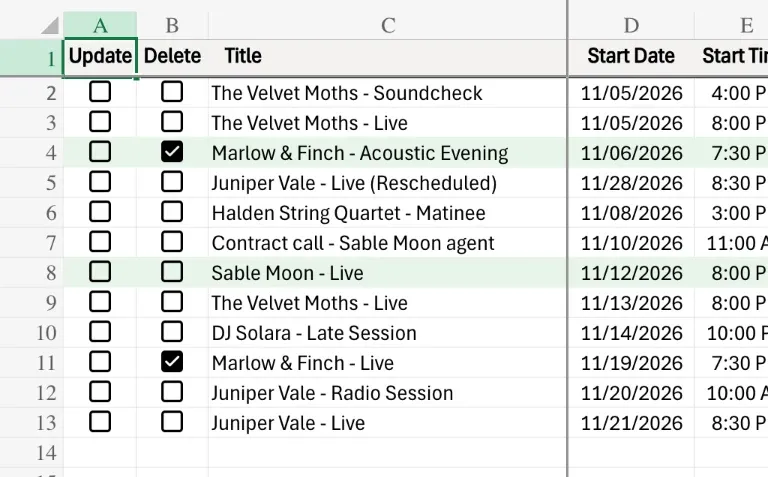
Tick the Delete box on those rows.
3. Export
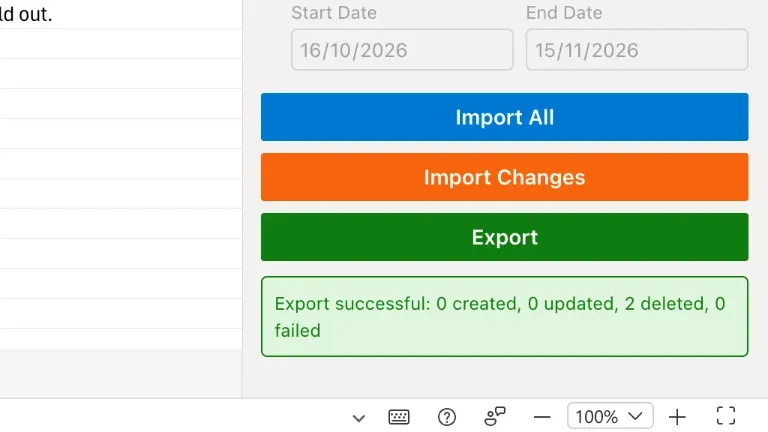
Open the Excelendar pane and click Export. Both events are removed from Outlook.
4. The sheet keeps a record
Each title stays in the sheet, struck through, with its date, so you can always see what was cancelled.
5. Check the calendar
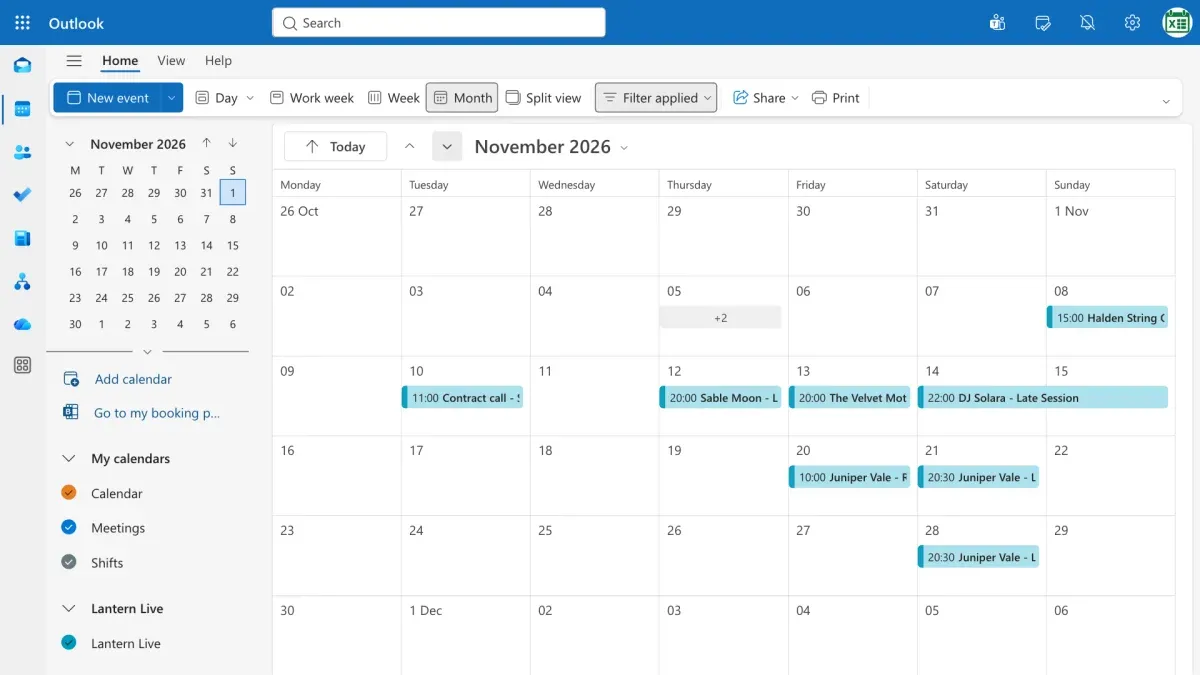
In Outlook, both nights are now free.
Try it
Add, change or cancel, all from one sheet. Get Excelendar, and see the documentation for every option.