
Sync Outlook Calendar Changes Back into Excel
To bring changes made in Outlook back into Excel, click Import Changes in the Excelendar pane: only the events altered since the last sync are updated, and new events arrive as new rows. Your own columns stay on the right rows.
This guide syncs a dance timetable after three changes were made in Outlook.
1. Changes made in Outlook
This week, Hip Hop Kids joined on Saturday. Thursday now holds Tap for Adults, moved from Wednesday, and a renamed Ballet Barre (Beginners).
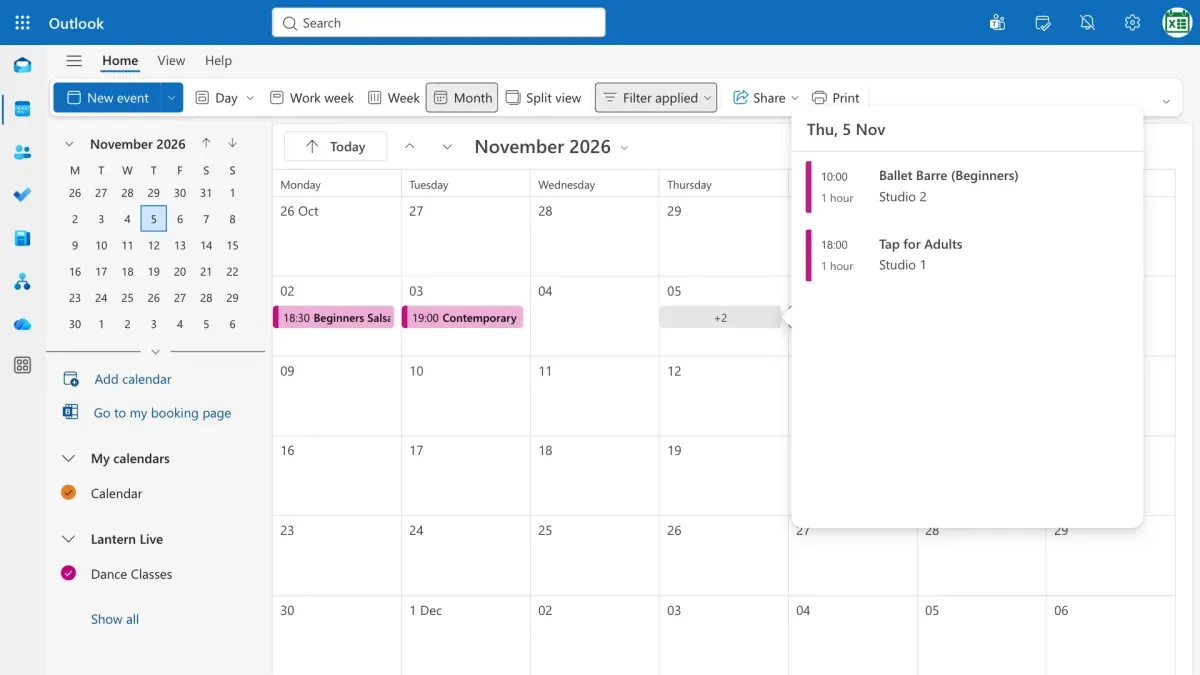
2. Click Import Changes
In Excel, the sheet still shows the old schedule. Open the Excelendar pane and click Import Changes, which checks for anything altered since the last sync.
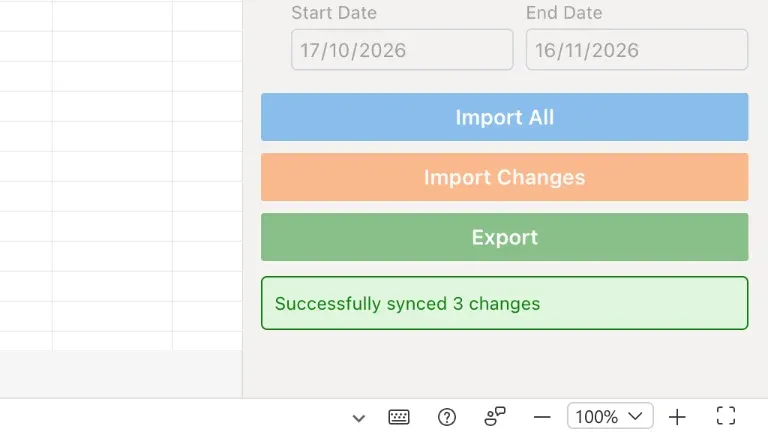
3. Only the edits come across
Tap’s new date, Ballet’s new title and an extra row at the bottom for Hip Hop Kids: nothing else changes.
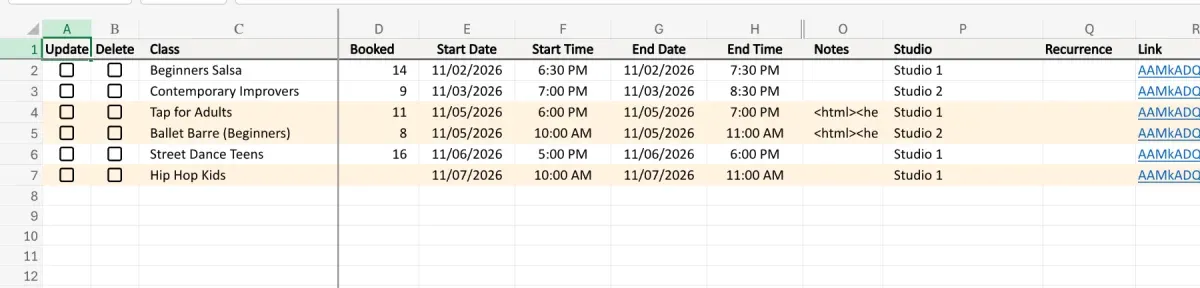
4. Your own columns stay put
The number of students booked is still right where you left it. Just add a count for the newcomer.
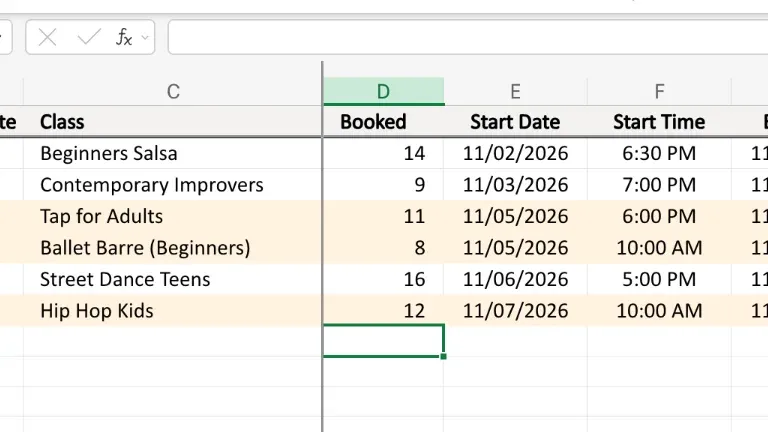
Try it
Outlook or Excel, both stay in step. Get Excelendar, and see the documentation for every option.