
Excelendar Web App
The Excelendar Web App is a powerful standalone web application for managing your Outlook calendar events. Access it anytime at app.excelendar.com without needing Excel.
What is the Web App?
The Web App provides a spreadsheet-like interface in your browser where you can:
Important: No Local Storage
The Web App does not save your calendar data locally. When you close the browser tab, all imported events are cleared. This is a key difference from the Excel Add-in:
For calendar backups, scheduling templates or tracking event metadata use the Excel Add-in and save your workbooks.
When to use the Web App
The Web App is perfect when you:
Getting Started with the Web App
Windows users: The Web App is also available as an installable app from the Microsoft Store. This gives you a native app experience with taskbar integration and quick launch access.
Remember: Changes are only saved when you Export to Outlook. Closing the browser tab will clear all imported data.
Key Features
Full Calendar View
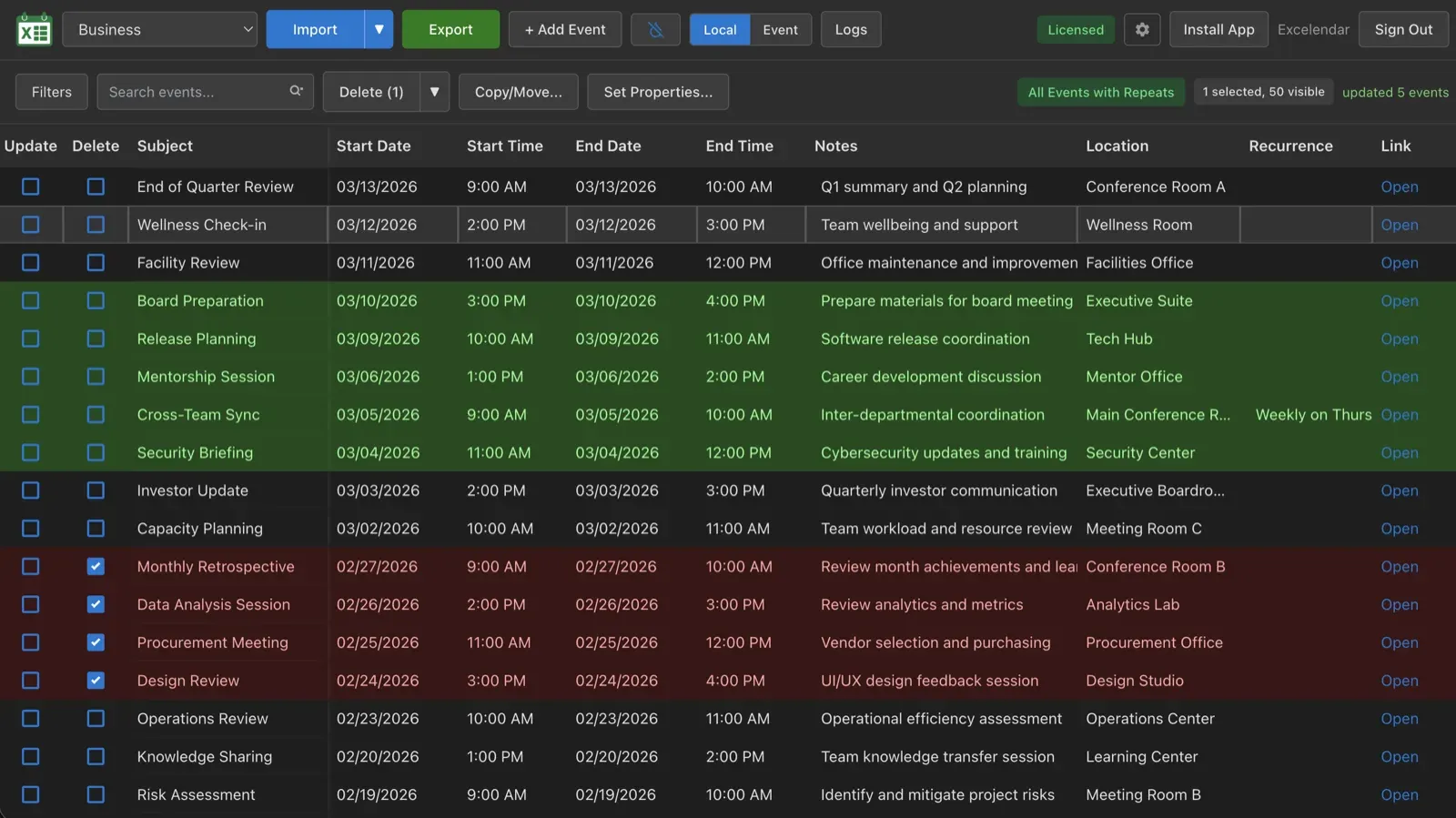
The Web App presents your calendar events in a clean, spreadsheet-like table interface. The full view shows all your event details in columns including subject, dates, times, locations, categories, and more. You can quickly scan through your calendar events, sort by any column, and make bulk edits with ease. Choose from any of your Outlook calendars, import and export multiple events at once with high performance, and monitor your operations with built-in activity logs. The interface adapts to your screen size, making it perfect for both desktop and mobile use. See both local display times and event-specific timezones for proper timezone handling.
Recurrence Support
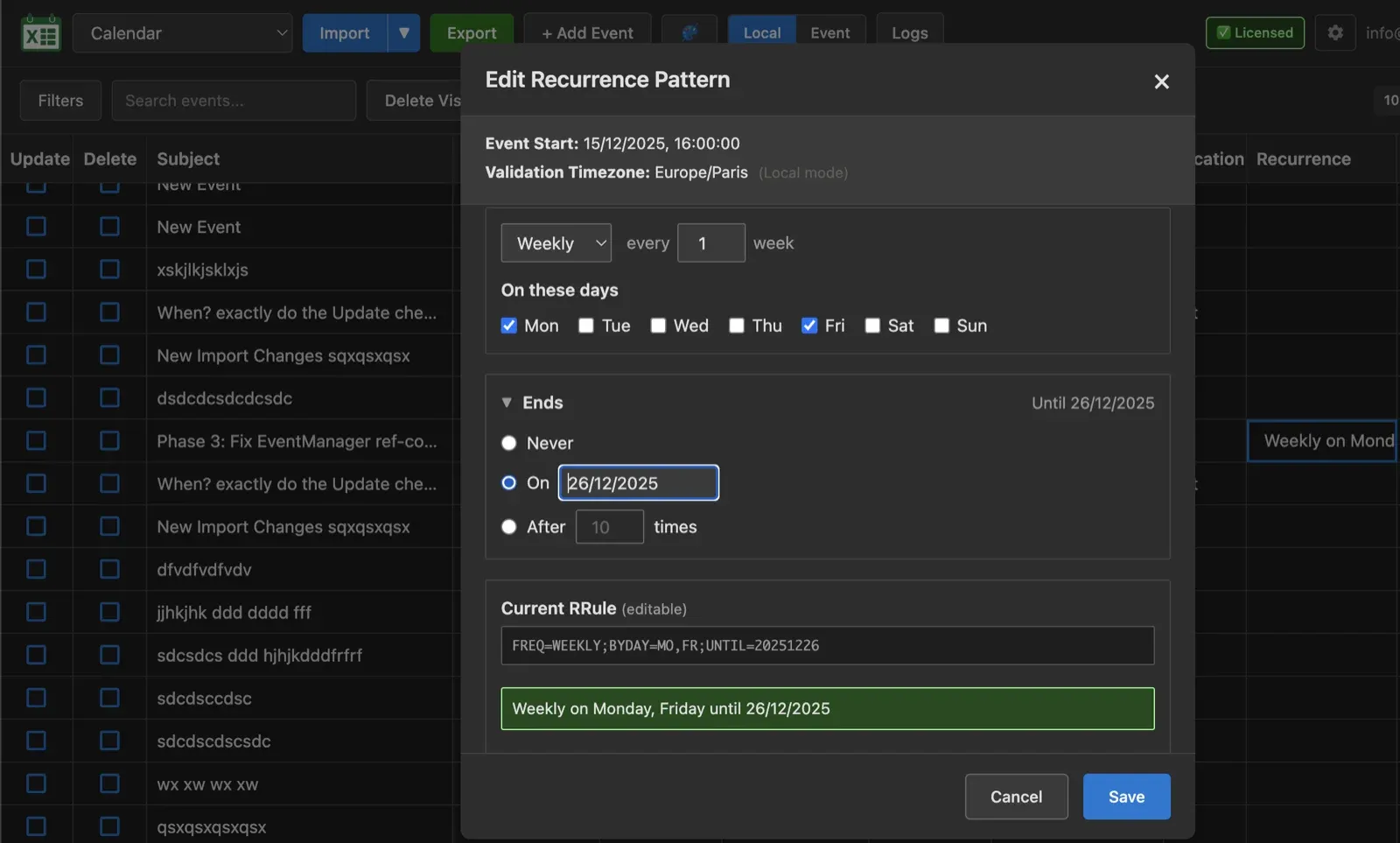
Manage recurring events with full support for complex recurrence patterns. The Web App handles all standard recurrence types including daily, weekly, monthly, and yearly patterns with custom intervals. You can view, edit, and create recurring event series directly in the table, with changes automatically synchronized to all occurrences or just single instances as needed.
Import Options
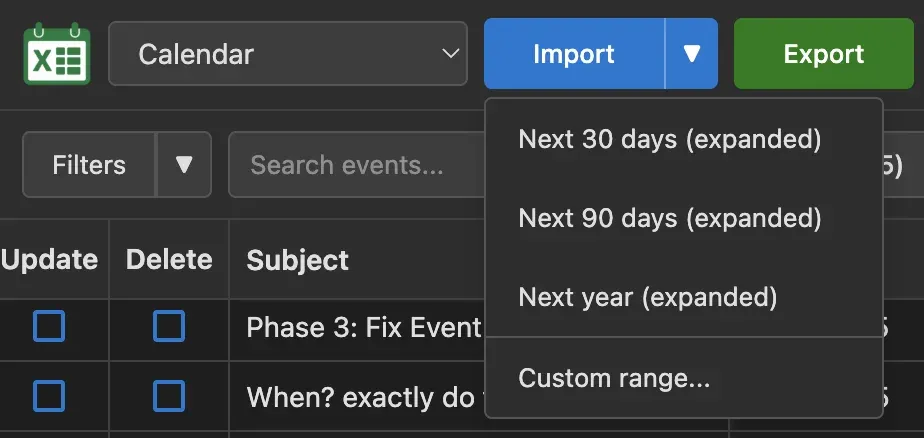
Choose exactly which events to work with using flexible import options. Import all events from a calendar, specify a custom date range, or quickly load recent events from the last 30, 90, or 180 days. This gives you control over the data you're working with and helps keep your workspace focused on relevant events.
Advanced Filters
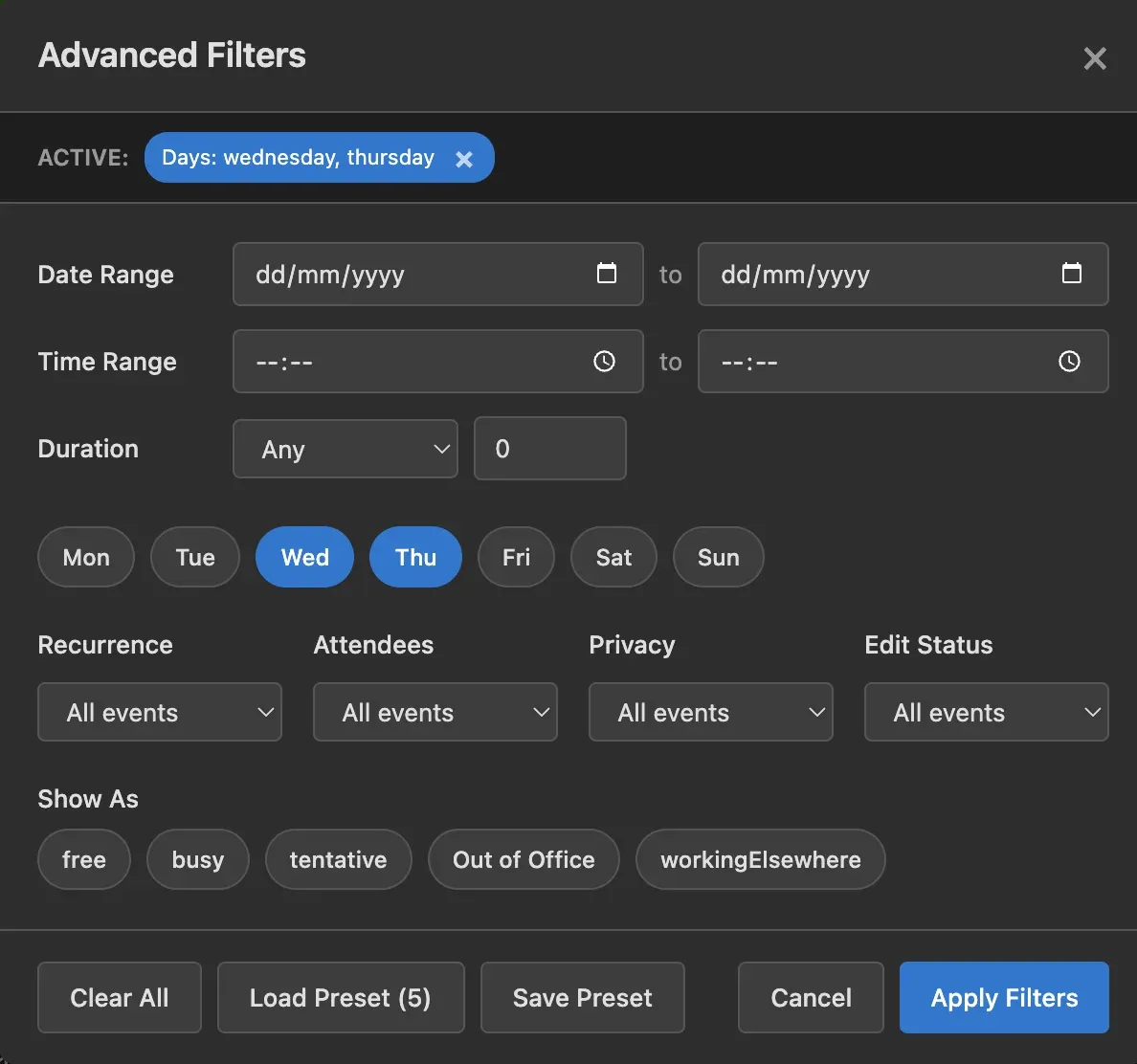
Powerful filtering capabilities let you find exactly the events you need. Filter by text search (with case-sensitive, case-insensitive, or regex modes), date ranges, time ranges, day of week, duration, recurrence type (singles, repeats, all-day, timed), attendee presence, edit status, categories, show-as status, and sensitivity. Combine multiple filters to create complex queries that pinpoint specific events in large calendars.
Filter Presets
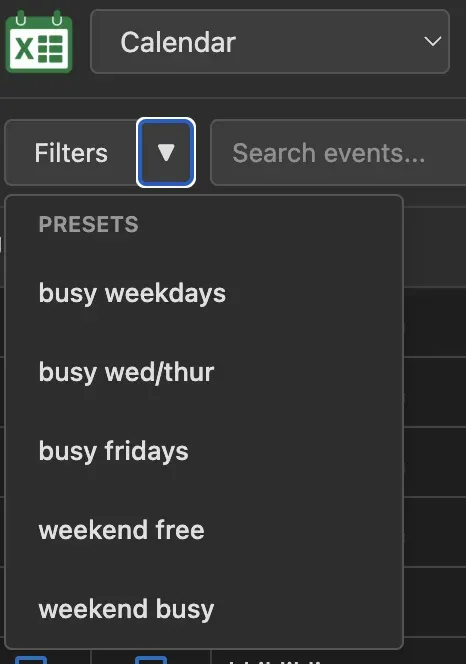
Save your frequently-used filter combinations as named presets for instant access. Perfect for recurring workflows where you repeatedly need to filter events the same way. Create presets for common scenarios like "Monday meetings", "Personal events", or "Unedited items" and apply them with a single click. Manage your presets library to keep your most useful filters organized and ready.
Copy/Move Events
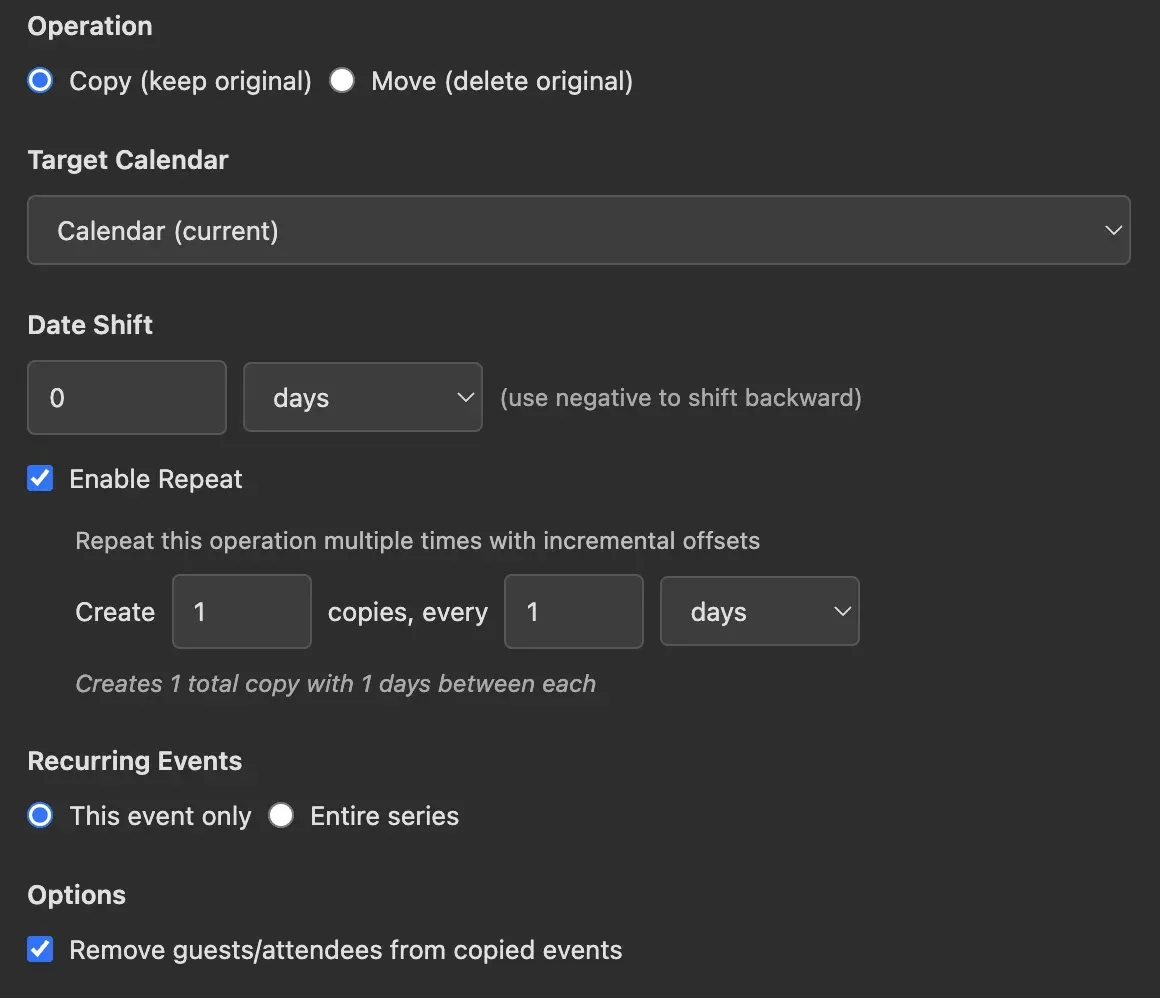
Bulk copy or move events with powerful calendar management tools. Select individual events or apply operations to all visible filtered events at once. Copy events to create duplicates in the same or different calendar, move events to transfer them between calendars, or shift events forward or backward by a specified number of days. These operations make rescheduling and calendar reorganization fast and efficient.
Set Properties
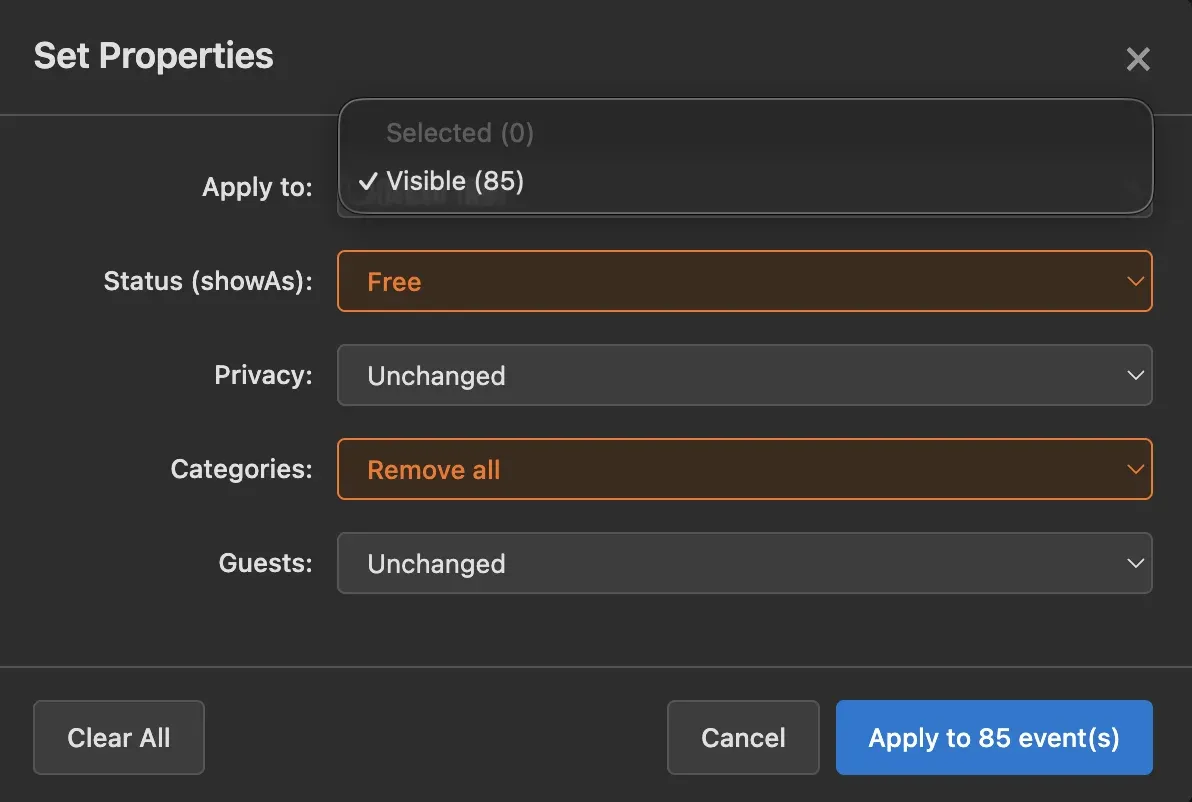
Update event properties in bulk to streamline calendar management. Select multiple events and change categories, show-as status (free/busy/tentative/out of office/working elsewhere), sensitivity (normal/personal/private/confidential), or reminders all at once. This is especially powerful when combined with filters - for example, filter to show all "Team Meeting" events and set them all to "Busy" status in seconds.
Web App vs Excel Add-in
Both tools share the same powerful engine and features. The main differences are:
Web App
Excel Add-in
Many users use both depending on their needs - The Web App for quick access and the Excel Add-in for complex calendar management projects and backups.