Deleting Events
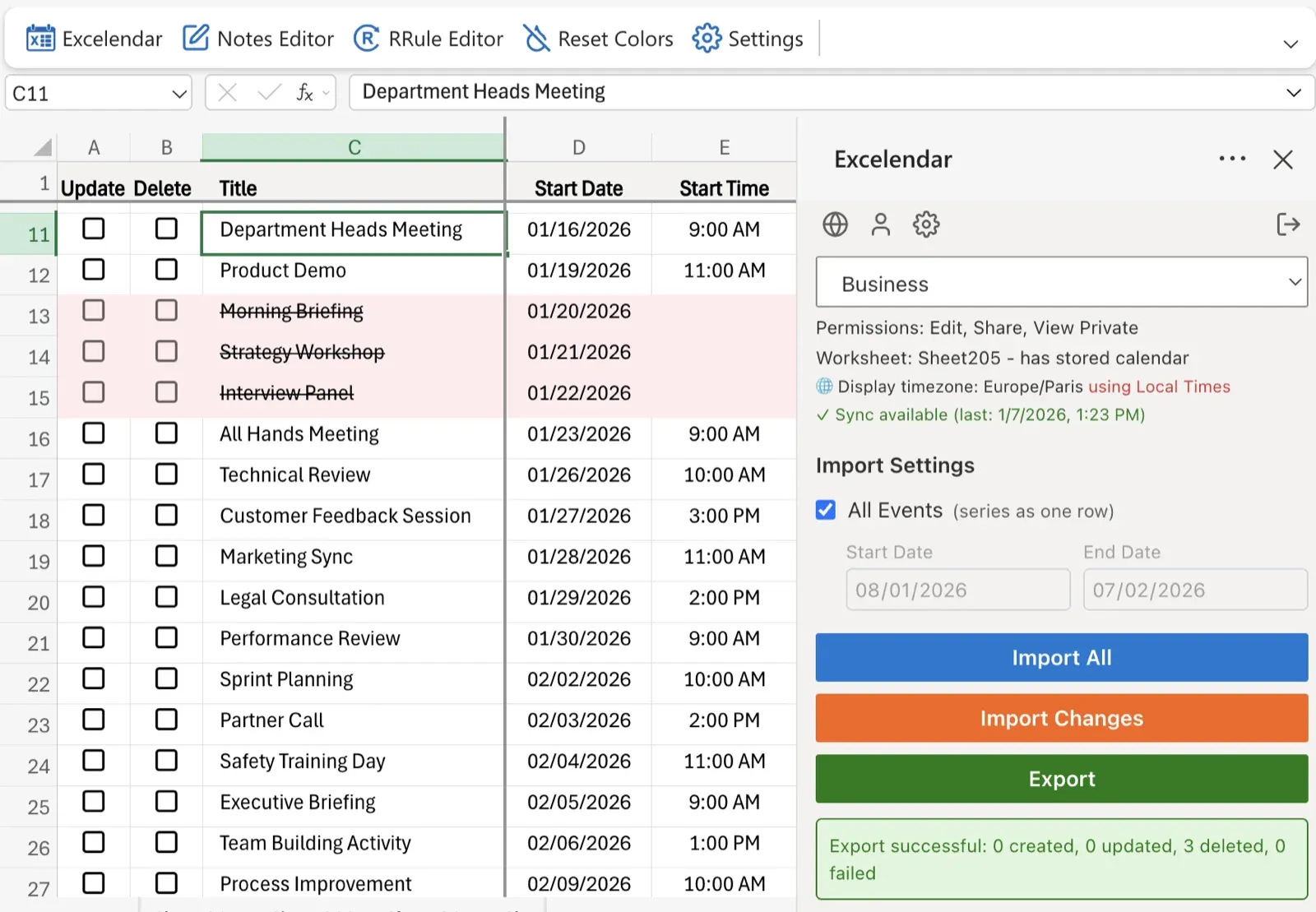
In addition to all of the columns corresponding to all of Outlook Calendar's event properties, Excelendar has two special columns, the Update column and the Delete column.
When you want to delete an event in Outlook Calendar via the add-in, simply tick the corresponding event row's delete checkbox and the export functionality will take care of the deletion. Please note that deleting and updating events with Guests will notify them by email.
Delete Duplicate Events
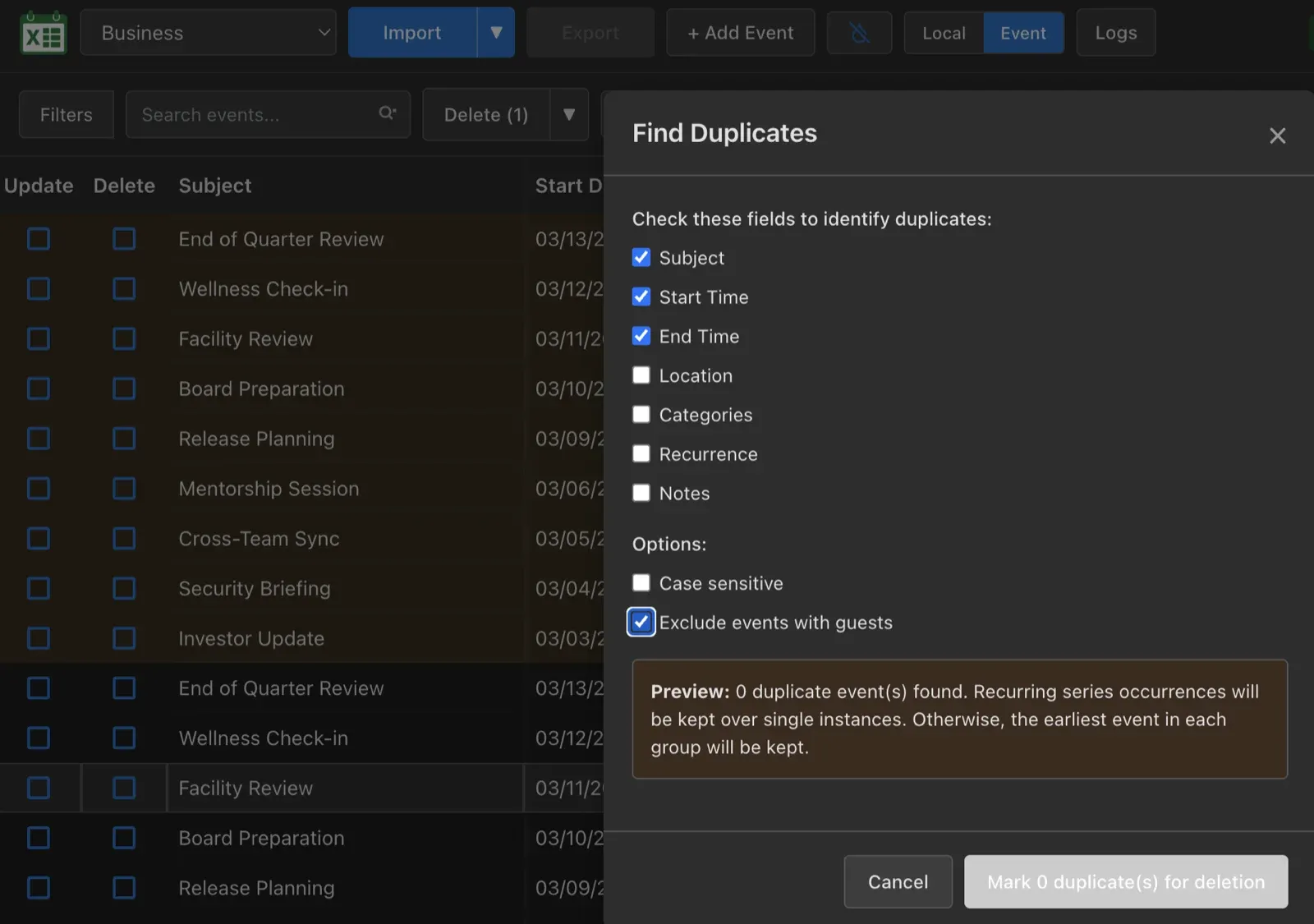
To delete duplicate events in bulk please use the Excelendar Web App (included in every Excelendar subscription) which has a dedicated option in the Delete dropdown. This allows you to specify the criteria for detecting duplicate events and preview the events that will be deleted before you actually delete them.