Documentation/Syncing Changes from Outlook
Syncing Changes from Outlook
Once your chosen calendar has been imported into your desired Excel sheet you can import changes made in Outlook into Excel without re-importing the whole calendar from scratch, which can save a lot of time depending on the calendar size.
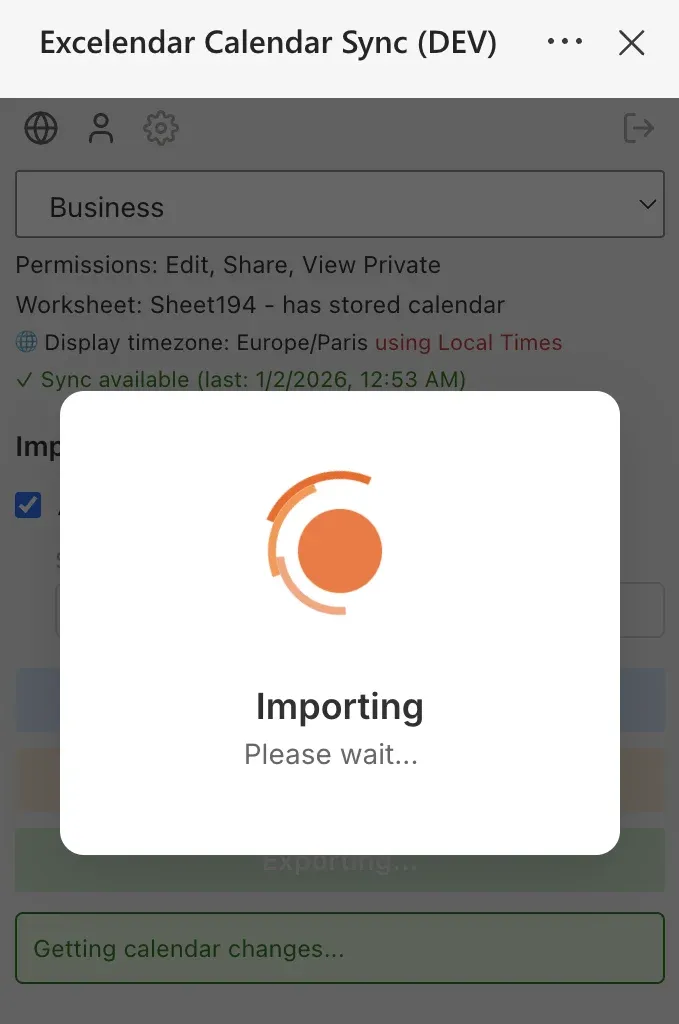
Press on the "Import Changes" button in the taskpane to import changes from Outlook. If events are missing and you can also just click "Import" to force a full Import instead, and any events in the worksheet that do not match events in the calendar will be updated, and events in the calendar that are not present will be added. This will not cause any damage to your sheet, leaving your custom columns and any formula-driven columns intact - but it will take longer than using "Import Changes".