Recurrence Patterns & RRules
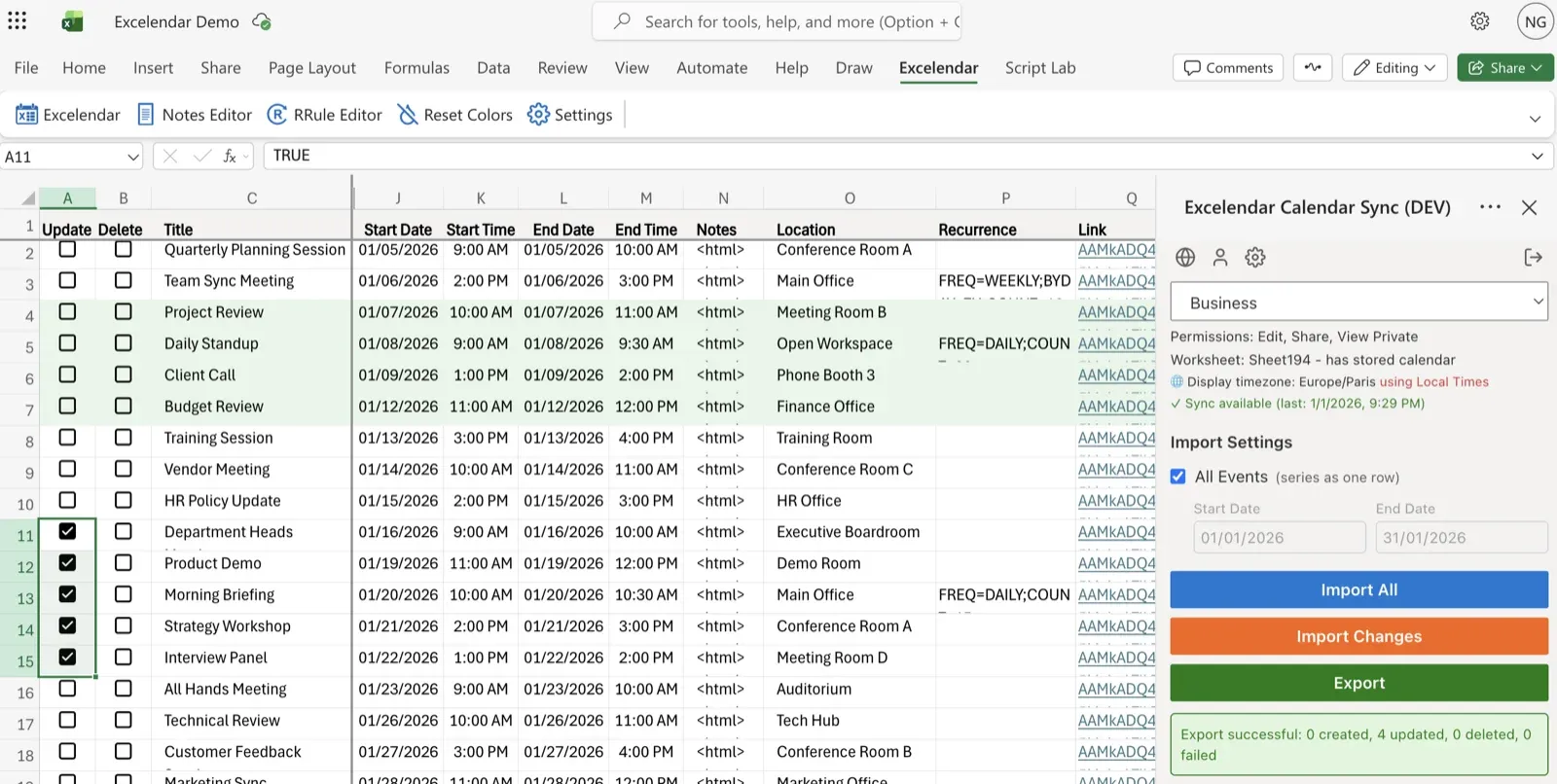
Outlook Calendar stores recurrence patterns using Microsoft's own special format. For ease of use, brevity and legibility, the add-in uses the standard RRule format for recurrences which can be entered in the Recurrence column for events.
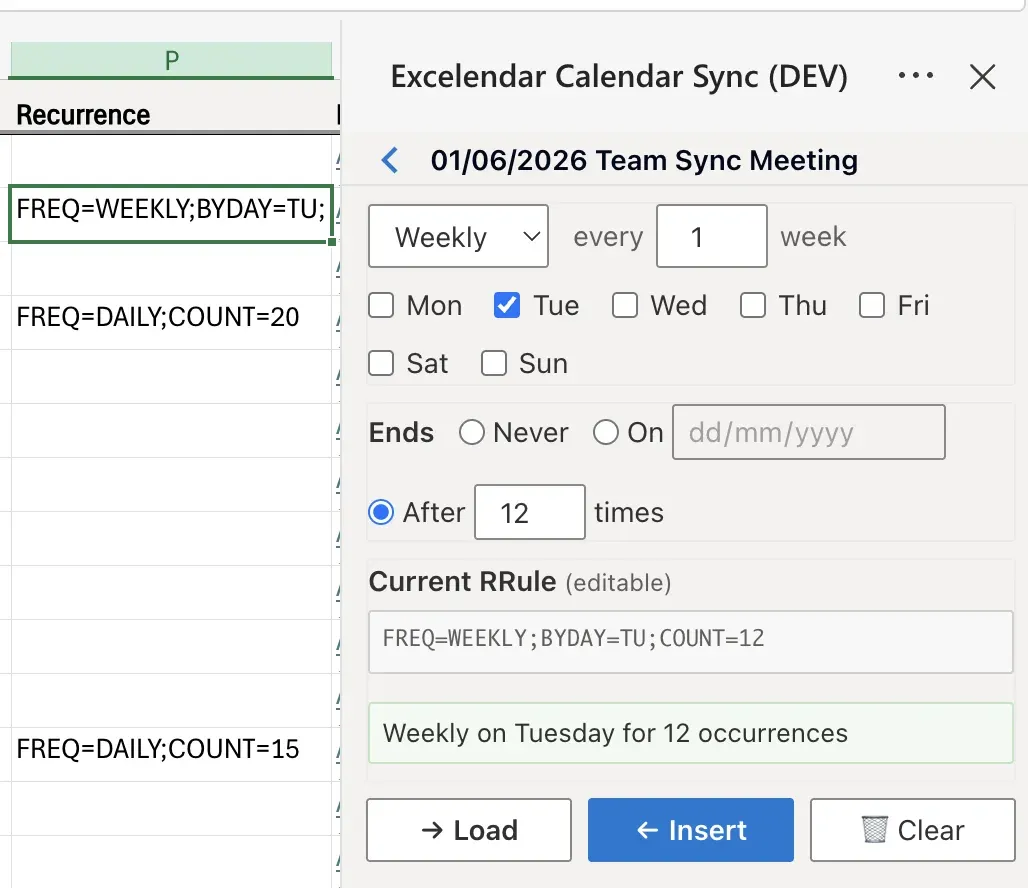
The built-in RRule Editor is very useful for this purpose as it eliminates the need to manually specify RRule values. To use the RRule Editor click the RRule Editor button in the Excelendar ribbon bar. Once opened, select an event row and specify your desired recurrence pattern.
When a calendar is imported into a sheet the recurrence pattern specified in Outlook is converted into the RRule format. You can select the event row or any cell in the row, and click Import RRule to load the RRule into the RRule Editor. You can also click Insert RRule to insert the RRule currently specified in the RRule Editor into the selected event row's Recurrence column. If the RRule is invalid, for example a weekly repeat on Thursdays for a Monday event or incorrect formatting, an error message will be shown.